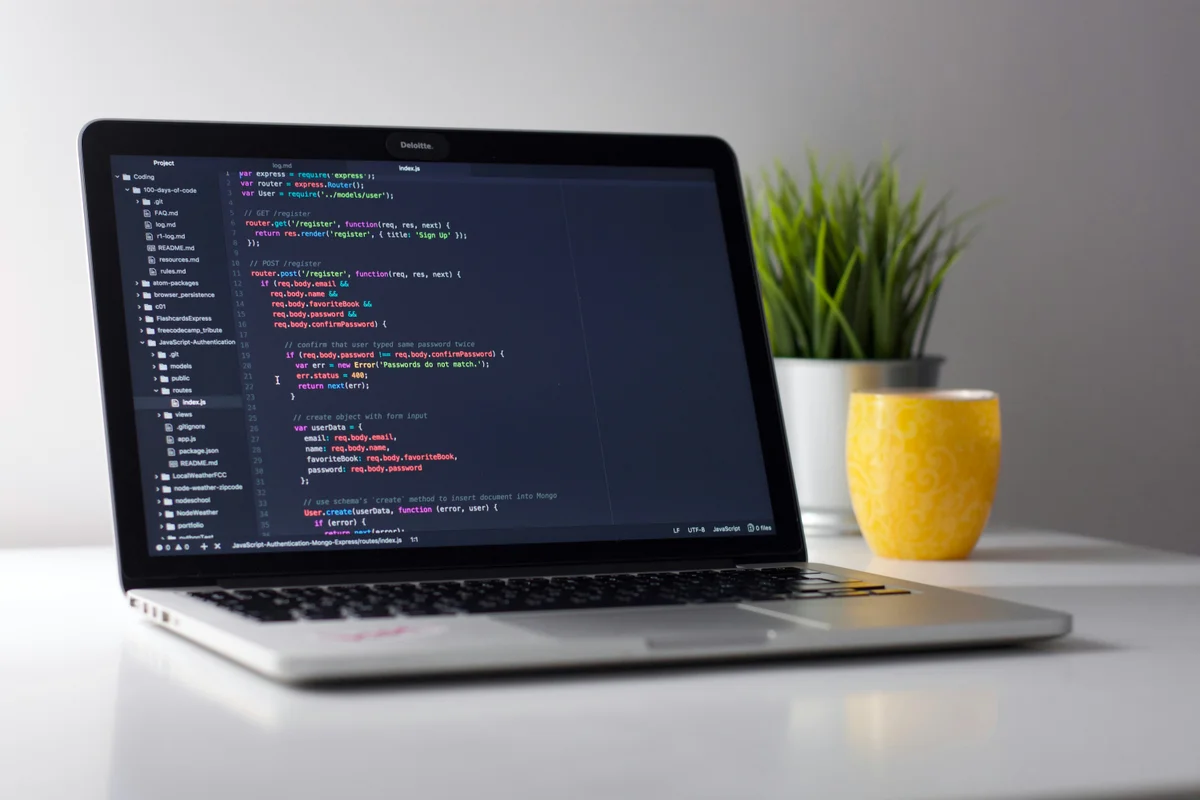
PaaS Hosting Explained: Railway, Render & the New Way to Deploy
Traditional hosting forces you to think about servers. You pick a plan, configure your stack, maintain your OS, and debug networking issues at 2 a.m. Platform-as-a-Service (PaaS) flips that model entirely. You push code, and the platform handles everything else. In 2026, PaaS has moved from niche developer tooling to a legitimate hosting category that competes directly with VPS and cloud providers.
This guide covers what PaaS hosting actually offers, how platforms like Railway and Render compare to traditional cloud options like DigitalOcean and Vultr, and who should consider making the switch.
What PaaS Hosting Actually Is
PaaS sits between serverless functions and raw VPS hosting. You still run persistent applications (web servers, background workers, databases), but the platform manages provisioning, scaling, networking, and TLS certificates for you. Think of it as managed cloud hosting with a developer-first workflow baked in.
The core difference from a VPS: you never SSH into a server. Instead, you connect a Git repository, define your services in a config file or dashboard, and deploy with a push. The platform builds your container, routes traffic, and scales resources automatically or on demand.
This is not the same as serverless. Serverless functions spin up per request and shut down immediately. PaaS apps run continuously, which means they can handle WebSocket connections, maintain in-memory caches, and run cron jobs. If you have read our serverless hosting explainer, PaaS fills the gap between that world and traditional servers.
Railway: The Developer Favorite
Railway has become the go-to PaaS for indie developers and startups building with Node.js, Python, Go, Rust, or basically any language that runs in a container. The platform launched in 2020 and has grown rapidly by focusing on simplicity and transparent pricing.
Railway Pricing Breakdown
| Plan | Base Cost | Storage | CPU Limit | RAM Limit | Egress |
|---|---|---|---|---|---|
| Free (Trial) | $0/mo | 0.5 GB | Up to 1 vCPU | Up to 0.5 GB | $0.05/GB |
| Hobby | $5/mo | 5 GB | Up to 48 vCPU | Up to 48 GB | $0.05/GB |
| Pro | $20/mo | 1 TB | Up to 1000 vCPU | Up to 1 TB | $0.05/GB |
Railway uses a usage-based pricing model on top of the base cost. The Hobby plan includes $5 of usage credits, meaning a small app with light traffic might cost exactly $5/mo total. The Pro plan includes $20 of usage credits and adds team collaboration, higher resource limits, and priority support.
What makes Railway compelling is the deployment experience. Connect a GitHub repo, and Railway detects your framework automatically. It supports Dockerfiles, Nixpacks, and custom buildpacks. Databases (PostgreSQL, MySQL, Redis, MongoDB) spin up with a single click and connect via private networking.
Best Use Cases for Railway
- Full-stack web apps (Next.js, SvelteKit, Django, Rails)
- API backends with attached databases
- Discord bots and background workers
- Staging and preview environments (auto-created per pull request)
- Side projects where you want zero DevOps overhead
Render: The Heroku Replacement
Render positioned itself as the modern alternative to Heroku after Heroku removed its free tier in 2022. The platform offers web services, static sites, cron jobs, PostgreSQL databases, and Redis instances, all managed through a clean dashboard or infrastructure-as-code YAML files.
Render's free tier is more generous than Railway's for static sites. Its paid web services start at $7/mo for 512 MB RAM and 0.5 vCPU. The managed PostgreSQL starts at $7/mo for a basic instance. These prices are competitive but not usage-based, so you pay a fixed monthly rate regardless of traffic.
The trade-off versus Railway: Render gives more predictable billing but less flexibility in scaling. Railway lets you burst to 48 vCPU on the Hobby plan (you pay for actual usage). Render locks you into the tier you selected.
DigitalOcean App Platform: PaaS From a Cloud Giant
DigitalOcean entered the PaaS space with App Platform, which layers the PaaS experience on top of their existing cloud infrastructure. The advantage: if you outgrow PaaS, you can migrate to Droplets or Kubernetes within the same account.
App Platform Pricing
| Plan Type | Price | CPU | RAM | Bandwidth |
|---|---|---|---|---|
| Shared 1vCPU/512 MiB (Fixed) | $5/mo | 1 shared vCPU | 512 MiB | 50 GiB |
| Shared 1vCPU/1 GiB (Fixed) | $10/mo | 1 shared vCPU | 1 GiB | 100 GiB |
| Shared 1vCPU/2 GiB | $25/mo | 1 shared vCPU | 2 GiB | 200 GiB |
| Dedicated 1vCPU/1 GiB | $34/mo | 1 dedicated vCPU | 1 GiB | 200 GiB |
| Dedicated 2vCPU/4 GiB | $78/mo | 2 dedicated vCPUs | 4 GiB | 500 GiB |
App Platform is slightly more expensive than Railway for equivalent resources. A 1 GiB RAM app costs $10/mo on DigitalOcean versus approximately $5-8/mo on Railway (depending on actual usage). The upside is DigitalOcean's mature ecosystem. You get managed databases, object storage (Spaces), load balancers, and a CDN, all integrated with your PaaS app.
For teams already running Droplets, App Platform is a natural fit for microservices or internal tools that do not need the full control of a VPS.
PaaS vs Traditional VPS: The Real Cost Comparison
The sticker price of a VPS looks cheaper. A Vultr cloud instance with 1 vCPU and 1 GB RAM costs $5/mo. A DigitalOcean Droplet with the same specs costs $6/mo. Railway's Hobby plan starts at $5/mo. Looks equivalent, right?
Not once you factor in your time. Here is what a VPS requires that PaaS handles automatically:
| Task | VPS (You Do It) | PaaS (Automated) |
|---|---|---|
| OS updates & security patches | Manual or cron script | Handled by platform |
| SSL/TLS certificates | Let's Encrypt + renewal setup | Auto-provisioned |
| CI/CD pipeline | GitHub Actions or similar | Built-in (git push deploys) |
| Zero-downtime deploys | Custom config needed | Default behavior |
| Database backups | pg_dump cron + offsite storage | Automated daily backups |
| Log aggregation | ELK stack or Grafana setup | Built-in log viewer |
| Scaling | Manual resize or load balancer | Slider or auto-scaling |
| Preview environments | Manual setup per branch | Auto per pull request |
If your time is worth $50/hr and you spend 2 hours a month on server maintenance, that VPS actually costs $105/mo, not $5. For solo developers and small teams, PaaS almost always wins the total cost calculation.
For a deeper dive into how traditional hosting types compare, check our shared vs VPS vs cloud hosting guide.
When PaaS Is NOT the Right Choice
PaaS is not universally better. There are clear scenarios where a VPS or dedicated cloud setup wins:
- High-traffic applications with predictable load. At scale, PaaS usage-based pricing can exceed VPS costs significantly. Running a 4 vCPU, 8 GB RAM app 24/7 on Railway costs roughly $80-120/mo. A comparable Vultr instance is $48/mo.
- Custom infrastructure needs. GPU workloads, specific kernel modules, custom networking, or specialized databases require VPS or bare metal access.
- Compliance requirements. Some industries require dedicated servers or specific geographic control that PaaS platforms cannot guarantee.
- WordPress or PHP applications. PaaS platforms generally target container-based deployments. If you are running WordPress, managed WordPress hosting is a better fit than trying to containerize PHP.
- Budget constraints below $5/mo. A Vultr instance starts at $2.50/mo for 512 MB RAM. PaaS free tiers have hard limits that production apps will quickly exceed.
The PaaS Landscape in 2026: Key Trends
Edge Deployment Is Becoming Standard
Railway, Render, and Fly.io all offer some form of edge or multi-region deployment. Your app can run closer to users in multiple geographic regions without you managing multiple servers. This was previously only possible with expensive enterprise setups or serverless platforms like Cloudflare Workers.
Database Integration Is Tightening
PaaS platforms used to just run your app. Now they bundle databases, caches, object storage, and message queues as first-class services. Railway lets you spin up PostgreSQL, MySQL, Redis, and MongoDB directly within your project. Render offers managed PostgreSQL. DigitalOcean App Platform connects to their managed databases and Spaces object storage.
Pricing Is Getting More Transparent
The old Heroku model of opaque "dyno" pricing is fading. Railway publishes per-second resource usage costs. Render and DigitalOcean use fixed-tier pricing. Both models are clearly documented, which makes budgeting easier than estimating AWS bills.
How to Choose the Right PaaS
Use this decision framework:
- Solo developer or small side project? Start with Railway. The free tier lets you experiment, and the Hobby plan at $5/mo covers most small apps.
- Team building production services? Railway Pro ($20/mo) or Render Team plans give you collaboration features, role-based access, and higher resource limits.
- Already on DigitalOcean? Use App Platform to keep everything in one ecosystem. The integration with Droplets, managed databases, and Spaces is a real advantage.
- Need predictable billing? Render or DigitalOcean App Platform (fixed pricing) over Railway (usage-based). You will never get a surprise bill.
- Running compute-heavy workloads 24/7? Skip PaaS entirely. A Vultr or DigitalOcean VPS gives you more resources per dollar at sustained usage levels.
Quick Comparison: PaaS vs VPS Starting Prices
| Platform | Type | Starting Price | 1 vCPU / 1 GB RAM | Managed Databases |
|---|---|---|---|---|
| Railway | PaaS | $0 (trial) / $5/mo | ~$5-8/mo (usage) | Yes (built-in) |
| Render | PaaS | $0 (static) / $7/mo | $7/mo (fixed) | Yes (from $7/mo) |
| DO App Platform | PaaS | $5/mo | $10/mo (fixed) | Yes (from $15/mo) |
| Vultr | VPS | $2.50/mo | $5/mo (fixed) | No (self-managed) |
| DigitalOcean | VPS | $4/mo | $6/mo (fixed) | Yes (from $15/mo) |
The Bottom Line
PaaS hosting is not just a convenience layer anymore. It is a fundamentally different approach to running applications that trades raw server control for deployment speed and operational simplicity. For developers who value their time over squeezing every cent from a $5 VPS, platforms like Railway and Render make a strong case.
The sweet spot for PaaS in 2026: apps with moderate traffic, teams without dedicated DevOps staff, and projects where shipping fast matters more than infrastructure optimization. If that describes your situation, start with Railway's free tier and see how it fits your workflow. You can always move to a VPS later if your scale demands it. Explore more options in our cloud hosting category.